
DEMO Multiple dates

This is an example of an event that has multiple performances all within a single event. There is a new option now when you create your tickets to specify a specific date and time of that ticket, so you can set up different performances or sessions of the same event.
At the top right of the event page you can see the individual performances plus the tickets themselves also show the date and time.
In this case, there is an evening and matinee performance on different days.
You need to specify that this event STARTS at the earliest date and ENDS at the latest date, but put the actual dates and times in the tickets.
I used the ticket Heading feature to make it clearer that the following tickets are for a specific day.
Ticket Information
Location: Cheese and Grain, Market Yard, Justice Lane, Frome BA11 1BE
Share With Friends
Share Event via QR code
Simple Link Hyperlink
Thinking of putting on your own event?
Sign up to Snappy Tickets as an Event Manager and start selling tickets today
It is the cheapest Event Manager out there
Organiser

Jon Conway is a website designer, wordpress plugin developer, music arranger, choir leader, singer and creator of Snappy Tickets and Snappy Tracks.
Venue
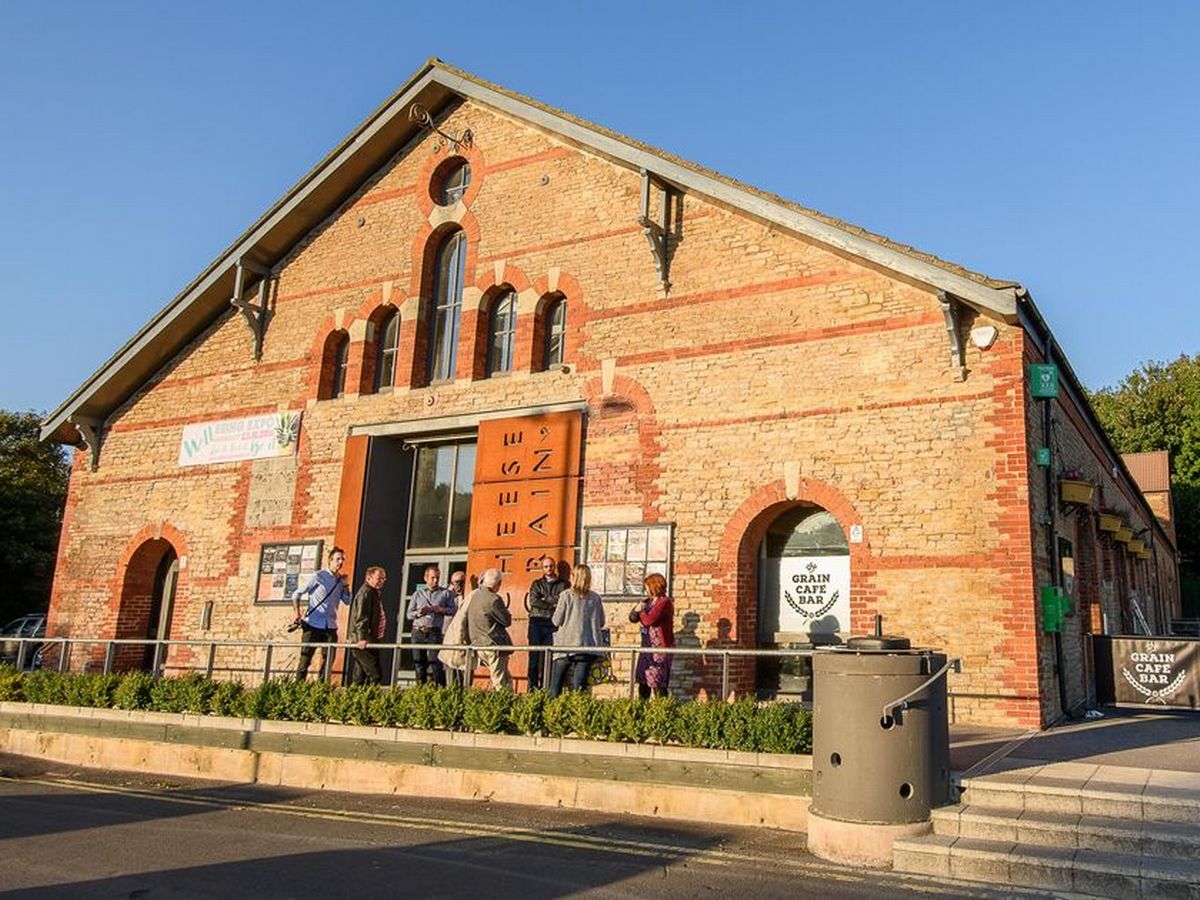
Market Yard, Justice Lane, Frome
BA11 1BE
United Kingdom
Cheese and grain info